hopify's automation features to generate invoices automatically when orders are placed. This reduces manual work and minimizes the chances of errors.
Send Timely Invoices:Send invoices promptly after a purchase is made. Timely invoicing improves your chances of receiving payments promptly.Include Contact Information:Ensure that your contact information, including email, phone number, and physical address, is prominently displayed on the invoice. This makes it easy for customers to reach out if they have questions.Offer Multiple Payment Options:Provide customers with a variety of payment options, such as credit cards, PayPal, and other online payment gateways, to make it convenient for them to pay.Follow Up on Overdue Payments:Monitor payment due dates and send polite payment reminders to customers who haven't paid on time. Shopify can help automate these reminders.Keep Accurate Records:Maintain a comprehensive record of all invoices, payments received, and outstanding balances. This is crucial for financial management and tax purposes.Issue Refunds and Credits Appropriately:If necessary, be prepared to issue refunds or issue store credits through Shopify's refund functionality. Clearly communicate these actions to customers.Review and Reconcile Invoices Regularly:Periodically review your invoices and payment records to ensure accuracy and reconcile any discrepancies.Consider International Transactions:If your business serves international customers, be mindful of currency conversions and any additional tax or customs requirements.Seek Legal Advice if Needed:If your business involves complex transactions or legal considerations, consider consulting with a legal professional to ensure your invoices comply with relevant laws and regulations.Offer Excellent Customer Service:Be responsive to customer inquiries related to invoices and payments. Excellent customer service can help resolve issues quickly and maintain positive customer relationships.By following these best practices, you can streamline your invoicing process on Shopify, improve your cash flow, and maintain professionalism in your interactions with customers.
{{cool-component="/style"}}
Create Invoice Shopify FAQ
Let's quickly cover some of the most commonly asked questions about creating and sending invoices on Shopify.
Can I create an invoice through Shopify?
Yes, you can create invoices on Shopify. You can generate them manually for orders or set up automatic invoicing for a more streamlined process.
Where do I create an invoice in Shopify?
To create an invoice in Shopify, go to your Shopify admin panel, navigate to the "Orders" section, and click "Create order." Fill in customer details, add products, and save or complete the order.
How do I create a PDF invoice in Shopify?
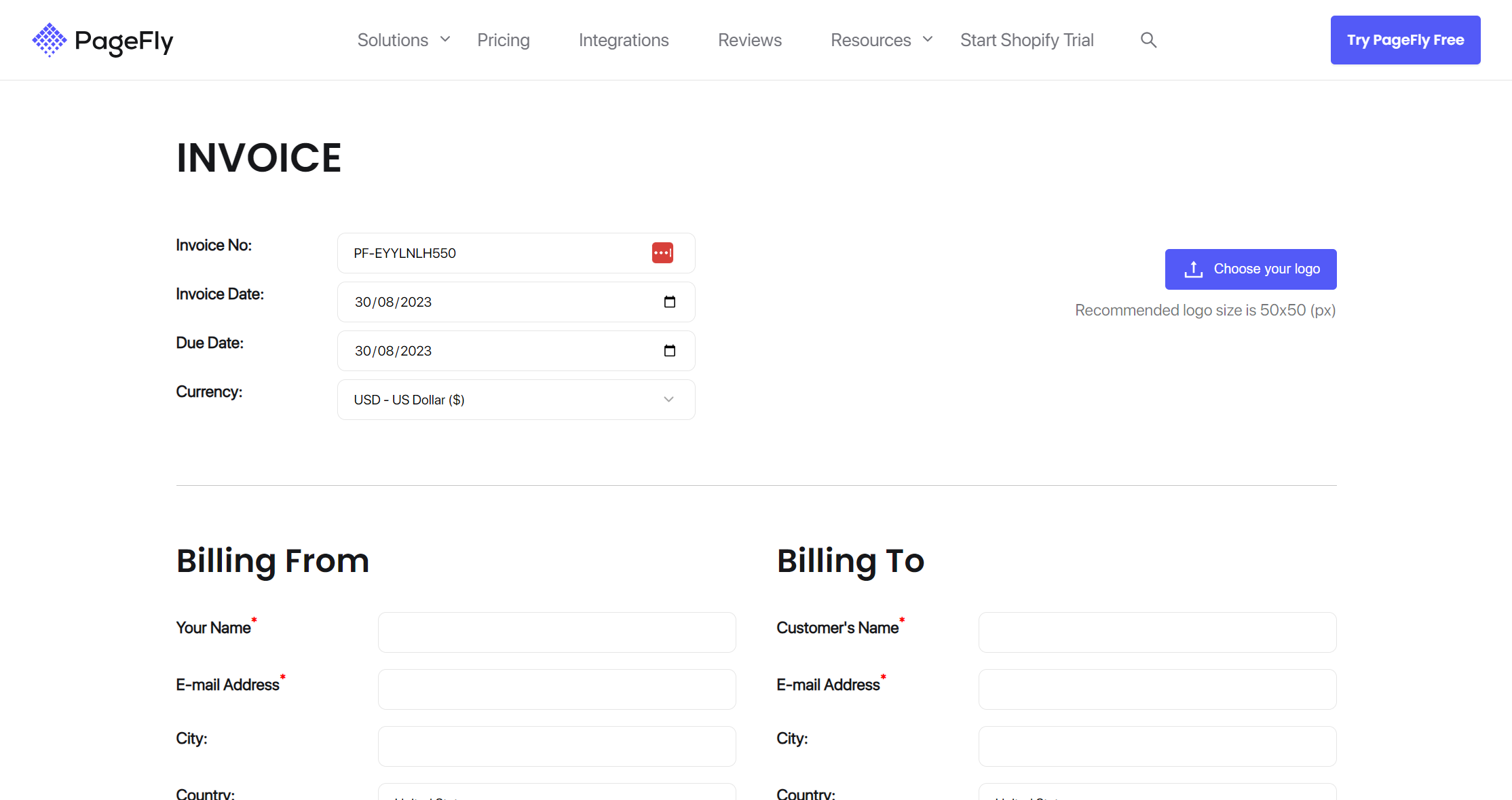
To create a PDF invoice in Shopify, you can use Shopify or Pagefly's free invoice generator. These tools allow you to generate and customize PDF invoices for your orders.
How do I send a customer an invoice from Shopify?
Customers receive invoices automatically via email when they make a purchase on your Shopify store. You can also resend invoices or provide them manually from the order details in your Shopify admin.