Welcome to our step-by-step guide on how to connect Alibaba to Shopify for dropshipping.
In this tutorial, we'll walk you through connecting your Shopify store to Alibaba, syncing products, managing orders, and automating fulfillment, empowering you to streamline your dropshipping business effectively.
{{cool-component="/style"}}
Why Use Alibaba for Dropshipping
Before we dive into the steps, let's briefly touch on why Alibaba could be advantageous for your dropshipping business:
Competitive Pricing: Alibaba often offers products at lower prices compared to platforms like AliExpress, potentially increasing your profit margins.
Similar products are often cheaper on Alibaba (but watch out for higher shipping fees too)
Wide Product Selection: If you can't find a product on AliExpress, Alibaba's extensive range might have what you're looking for, possibly with less competition.
Perception Advantage: While AliExpress is well-known to the public, Alibaba is often perceived as a platform for businesses, reducing the likelihood of customers comparing prices, or ordering directly from Alibaba.
How to Connect Alibaba to Shopify (Step by Step)
Now that you know the advantages of Alibaba dropshipping, let’s cover how you can link Alibaba to Shopify.
1. Sign Up for Alibaba Dropshipping
The first step is to create an Alibaba dropshipping seller account. Here’s how to do this:
Your store will appear under "Store Management," indicating a successful connection.
3. Import Products from Alibaba to Shopify
With your Alibaba dropshipping account connected to your store, let’s cover how to add products.
From your Alibaba dropshipping dashboard, navigate to "Search Products" and find products you want to dropship.
Click on a product and select "Add to Import List."
Once imported, go to "Import List" to edit product details like name, tags, description, variants, and price.
Ensure product information is tailored to your store's style.
Click "Push to Store" to add the product to your Shopify store.
Find the product in "My Products" on Alibaba and view it on your Shopify store to verify.
4. How to Fulfil Orders from Alibaba
When a customer buys from your store, you need to fulfill their order on Alibaba. Here is how to do this:
When an order is placed on your Shopify store, go to "Orders" to view them.
Head to the Alibaba Dropshipping Center and click on "My Orders" to see Shopify orders.
Fulfill orders individually or in batches.
Ensure shipping information is complete; add your phone number if necessary for updates.
Choose the appropriate shipping method based on delivery time and cost.
Click "Batch Order" to process multiple orders simultaneously.
Once done, click "Pay" to complete the order fulfillment process.
5. Synchronize Orders Daily
One last tip to stay on top of all your orders is:
Click on "Synchronize" in your Alibaba Dropshipping Center daily to ensure all orders from your Shopify store are processed.
{{cool-component="/style"}}
How to Connect Alibaba to Shopify: Wrap-up
By following these steps, you can effectively link Alibaba to Shopify for dropshipping, streamlining your product sourcing, order fulfillment, and overall business operations.
For further insights and guidance on building a branded one-product dropshipping store, consider checking out our additional resources:
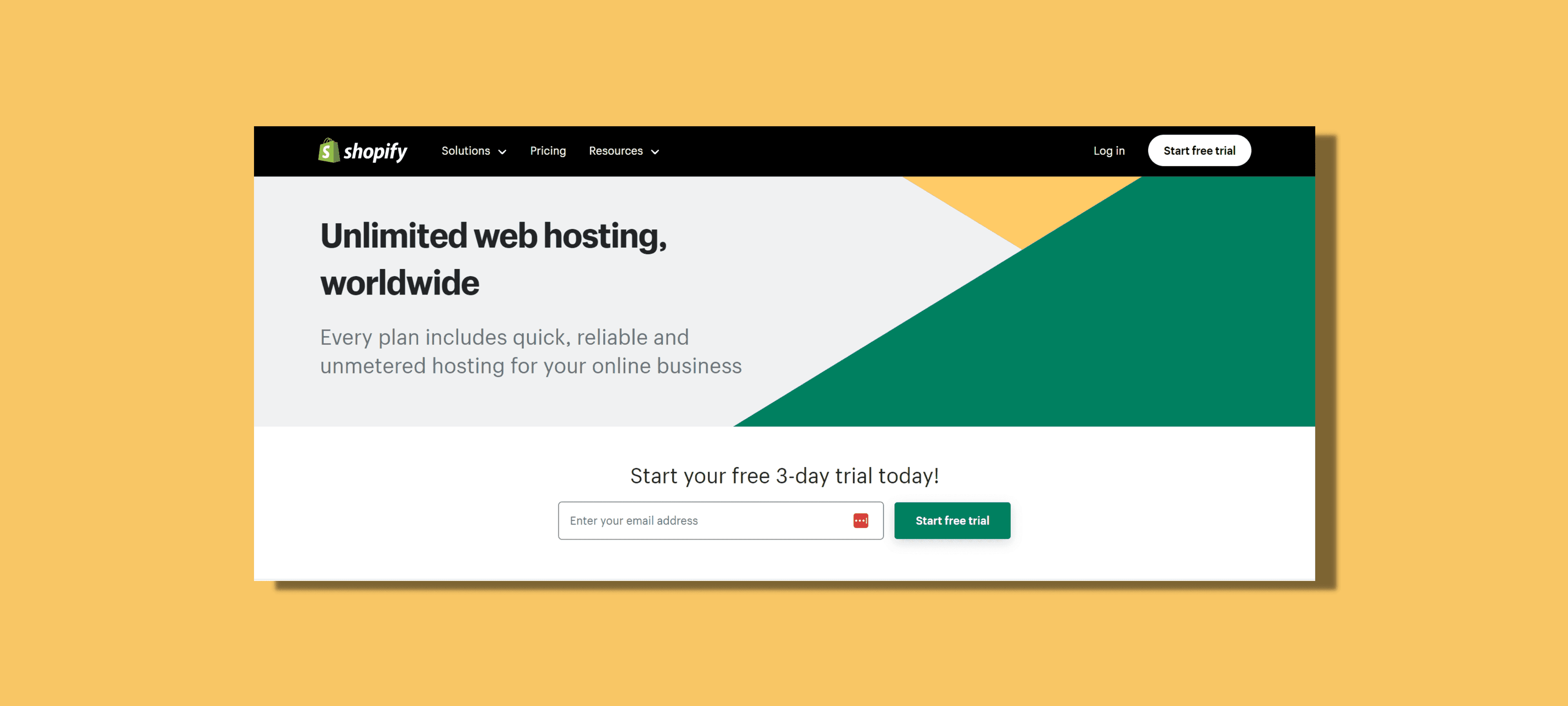
Does Shopify Provide Hosting for Your E-commerce Store?
Curious about Shopify hosting? Explore our guide to discover how Shopify provides hosting for e-commerce, answers to FAQs, and the cost of hosting. Learn how to simplify your online store setup with Shopify's all-in-one solution.
·1 min read
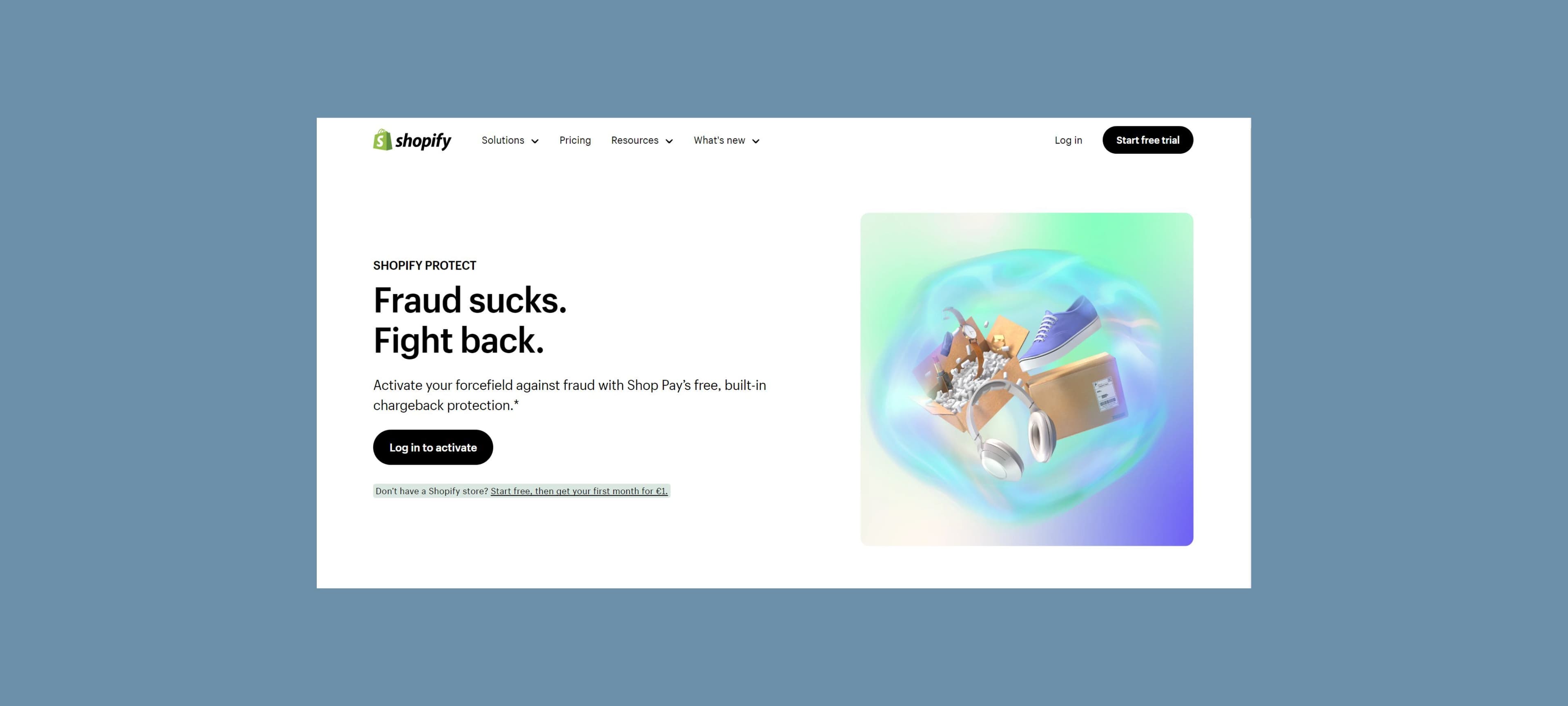
Does Shop Pay Have Buyer Protection? A Simple Guide
Does Shop Pay have buyer protection? Delve into how Shop Pay buyer protection works to reassure your customers and build trust in your brand.