Giving store credit on Shopify is a straightforward process, taking just a few steps: Log in, access "Products" > "Gift Cards," issue a gift card, select the recipient, set the gift card amount, and activate it.
Method 3: Use a Third-Party App to Give Shopify Store Credit
If you need more advanced features for managing store credit, such as automated tracking, expiration dates, or integration with other aspects of your store, you might want to consider using a third-party app. Some popular apps for allowing you to issue store credit on Shopify include "FreshCredit" "Loyalty, Rewards, and Referrals by Smile.io," and "Bold Loyalty Points & Rewards."
Here's a general process for using a third-party app:
- Install the app: Search for the app in the Shopify App Store, install it, and follow the app's setup instructions.
- Configure store credit settings: Within the app, configure the settings for store credit. This might include setting rules for earning and using credit, expiration dates, and more.
- Issue store credit: Use the app's interface to issue store credit to specific customers or as part of a loyalty program.
- Notify customers: Inform customers about their store credit and how to redeem it based on the app's features.
Using a third-party app can streamline the process and provide you with more control and insights into your store credit system. However, most apps come with a monthly fee. So, make sure you do your research and are sure it's the right solution for you.
Remember to abide by any legal regulations regarding store credit issuance in your region, and always communicate clearly with your customers regarding their store credit balance and usage.
Use Store Credit on Shopify Today!
In conclusion, Shopify store credit offers a versatile tool for e-commerce businesses to enhance customer satisfaction and loyalty. Whether used for returns, rewards, or promotional campaigns, the ability to issue and manage digital store credit can help businesses thrive in the competitive online marketplace, providing customers with a seamless and rewarding shopping experience.
{{cool-component="/style"}}
Shopify Store Credit FAQ
Let's cover some quick-fire answers to the most commonly asked questions about Shopify Store Credit.
How do I give store credit on Shopify?
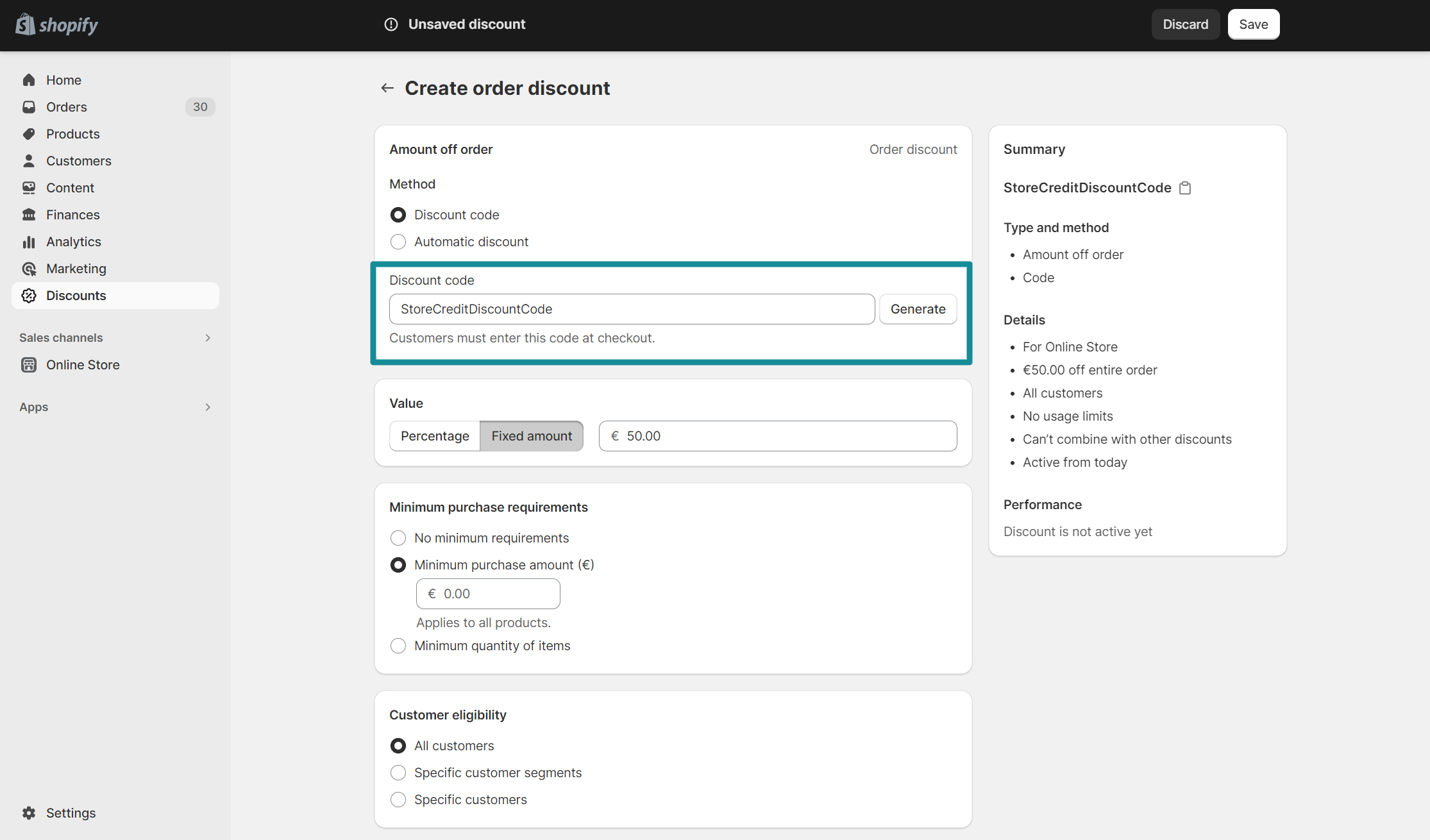
To give store credit on Shopify, access the customer's profile, add a note, apply a discount code, and notify the customer. Alternatively, use a third-party app for more advanced credit management.
What is store credit on Shopify?
Store credit on Shopify is a monetary value provided to customers that they can use as payment for future purchases within the same Shopify store.
Can Shopify issue store credit?
Yes, Shopify allows you to issue store credit to customers either manually or through third-party apps for various purposes like returns, refunds, or loyalty rewards.
Is store credit the same as a refund?
No, store credit and refunds are not the same. Refunds provide cash back to customers, while store credit offers a balance that can only be used for future purchases in the same store.